Ammunition.
Physical products.
Considered experiences.
At Ammunition, I worked on the experiences that bring physical products to life. This selection explores how everyday situations become tangible interactions, and how light, movement, and physical controls help people understand what a product is doing.
Gantri
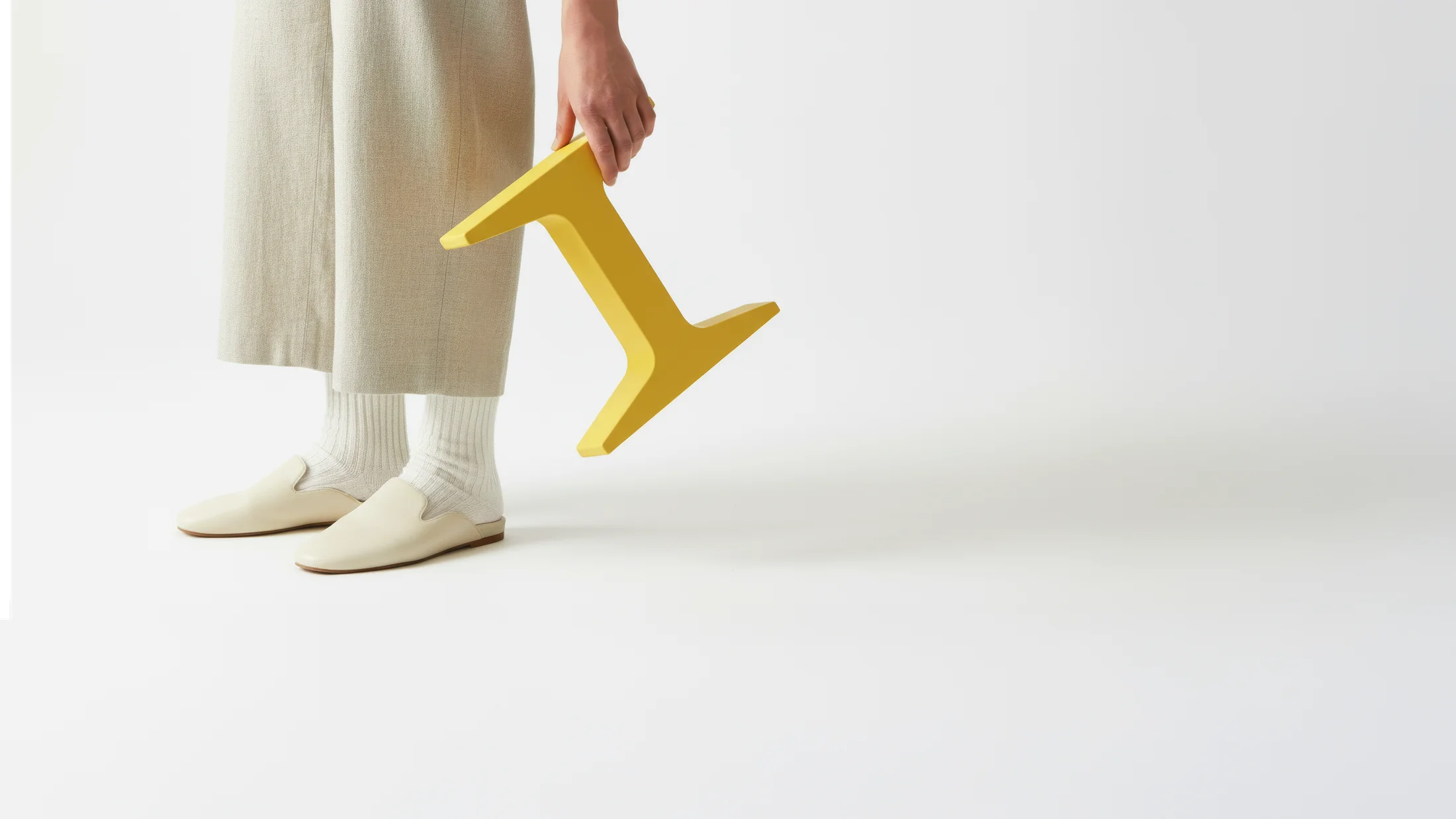
Portable lighting platform
A light has a life beyond the table.
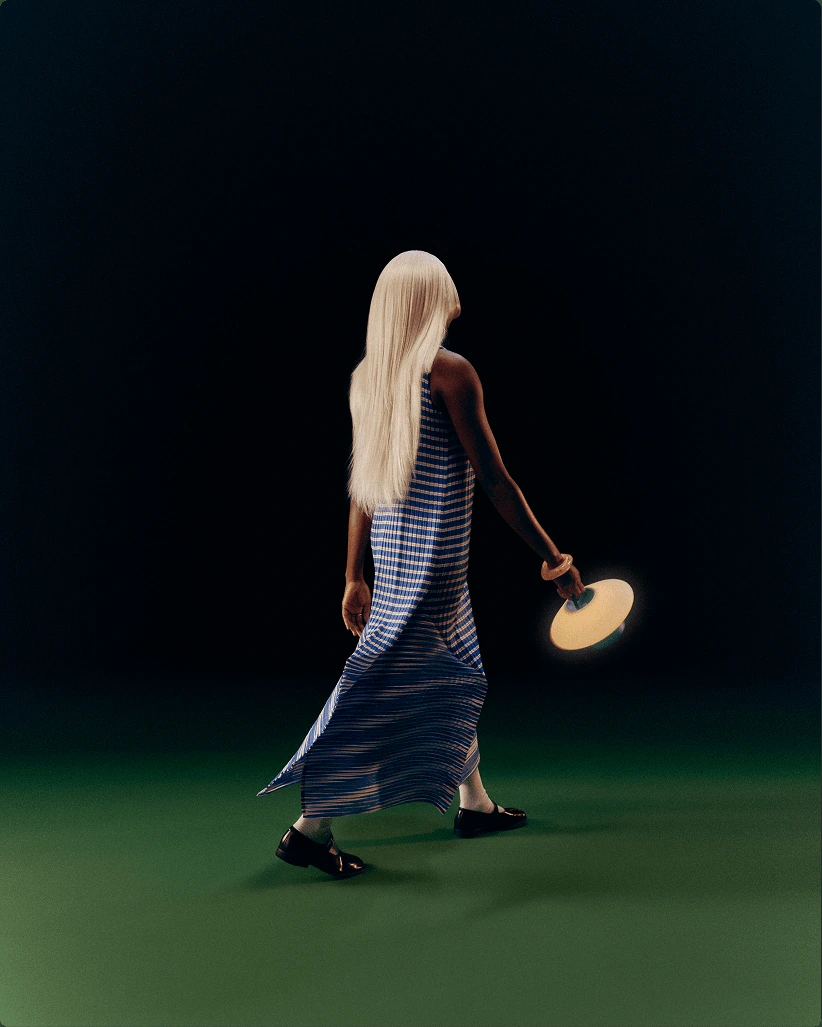
Portable lighting follows everyday life. Its controls and feedback need to make sense wherever it goes.
The work connected scenarios for homes, hotels, and restaurants to decisions about carrying, charging, and interaction. A guest needs an immediately understandable light. The person preparing a room needs to know it is ready for the next guest.
Light itself became part of the interface. Dedicated indicators could communicate system states, while the main light could draw attention to a moment that matters—without overwhelming the atmosphere.
User scenarios, physical controls, charging workflows, and light-behavior prototypes.
Selected charging and light studies
Examples from a broader exploration of charging, readiness, and light feedback.
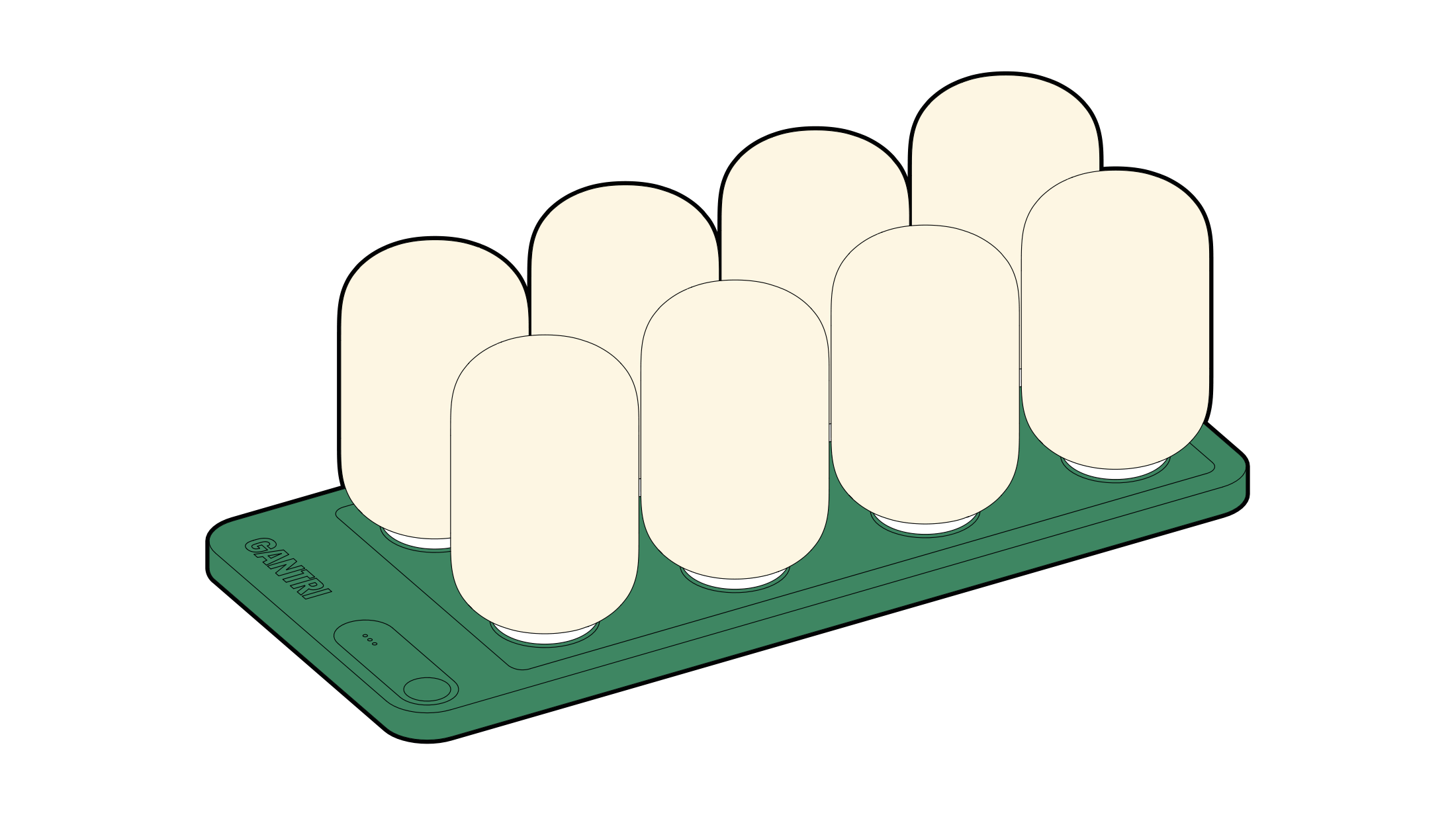
Preparing for the next guest
A shared charging concept explores how staff could keep a group of lights ready for rooms or tables.
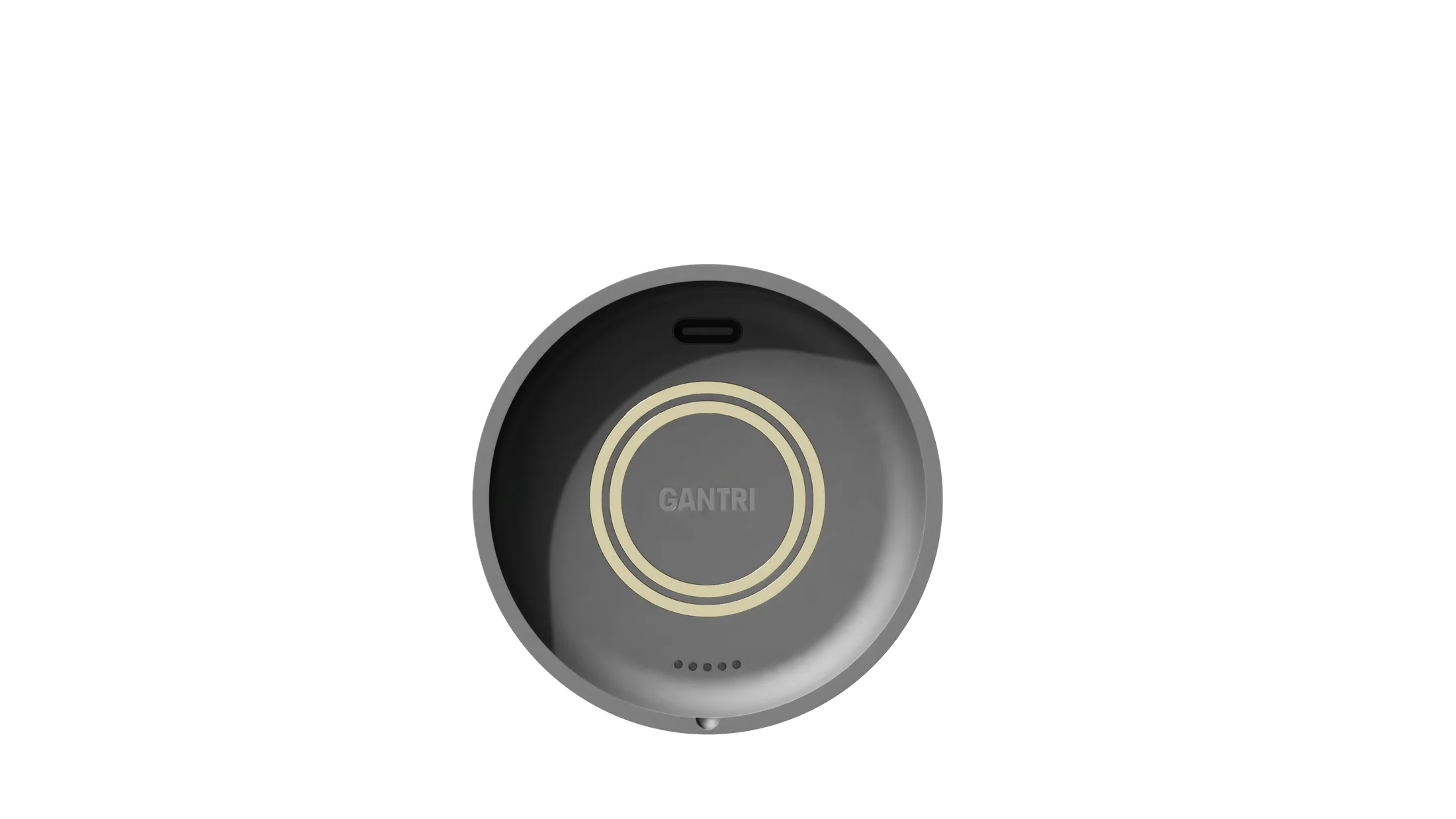
Reading the system state
Dedicated indicators on the underside keep battery and connection feedback separate from the main light.
A subtle low-battery cue
A brief flicker explores how the main light could signal low battery without interrupting use.
Wearable AI
In development
Making a silent interface understandable.
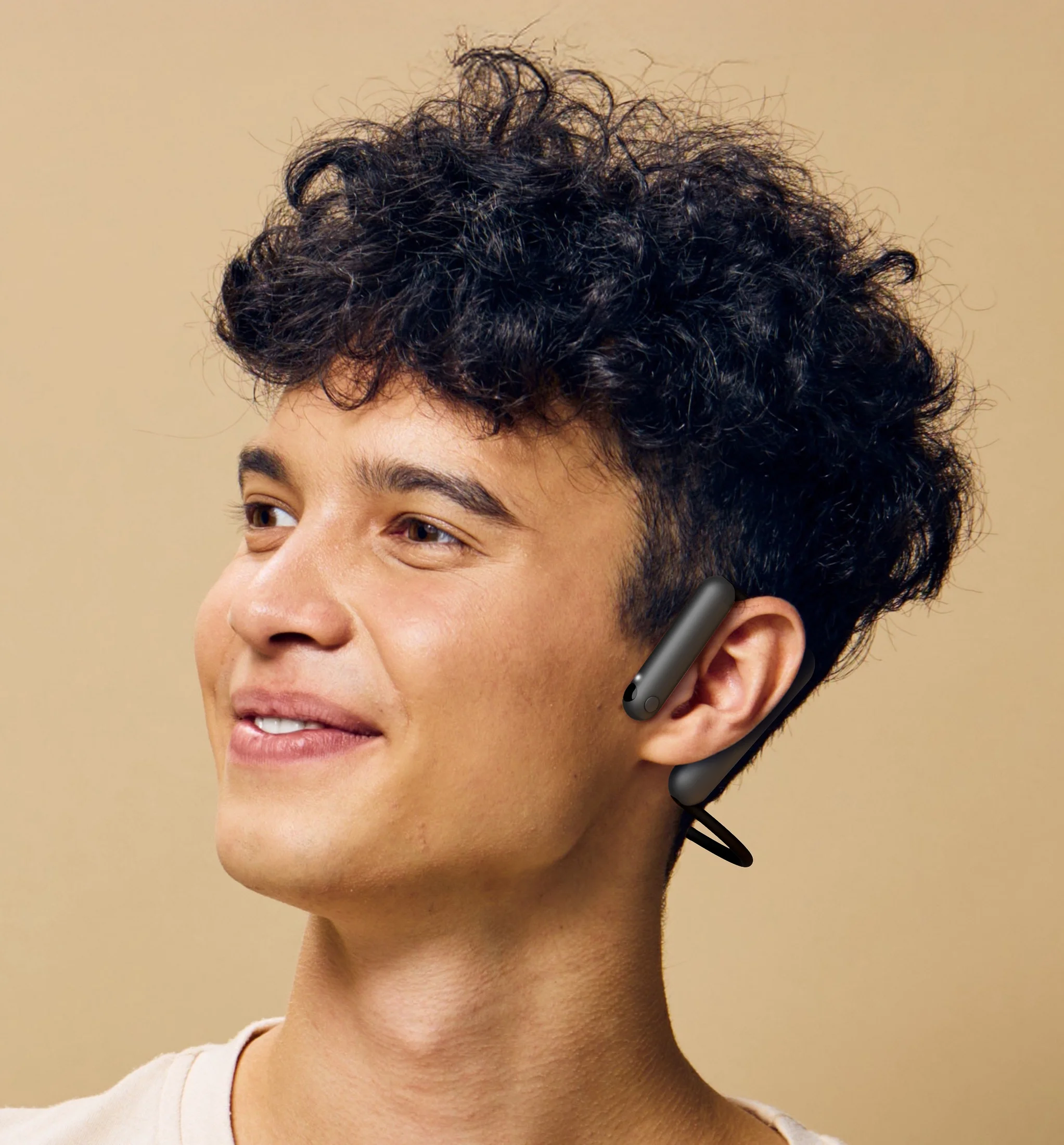
An interface without a conventional screen still needs to communicate what it is doing.
The exploration considered deliberate activation, interruptions, and recovery, alongside the signals visible to other people. Everyday scenarios helped connect silent-speech interaction to the controls and feedback of a physical wearable.
- For the wearer
- Clear activation, useful feedback, and a way to recover.
- For the people around them
- Understandable signals about when the device is in use.
Interaction scenarios, physical controls, social signals, and light-language studies.
Selected light studies
Three approaches from a wider exploration of how a wearable communicates activity.
Conversational
A more expressive rhythm makes activity visible.
Breathing
A quieter rhythm explores a subtler presence.
Directional flow
A soft light travels along the bar, exploring direction as a signal of activity.
Tonies
Play, storytelling & connection
Putting the next move in a child’s hands.
Physical interactions can make choices feel concrete, playful, and easy to discover.
The explorations looked at how children could choose content, create stories, and connect with familiar people through physical play. Everyday scenarios helped frame a child’s growing independence alongside the parent’s role in shaping the experience.
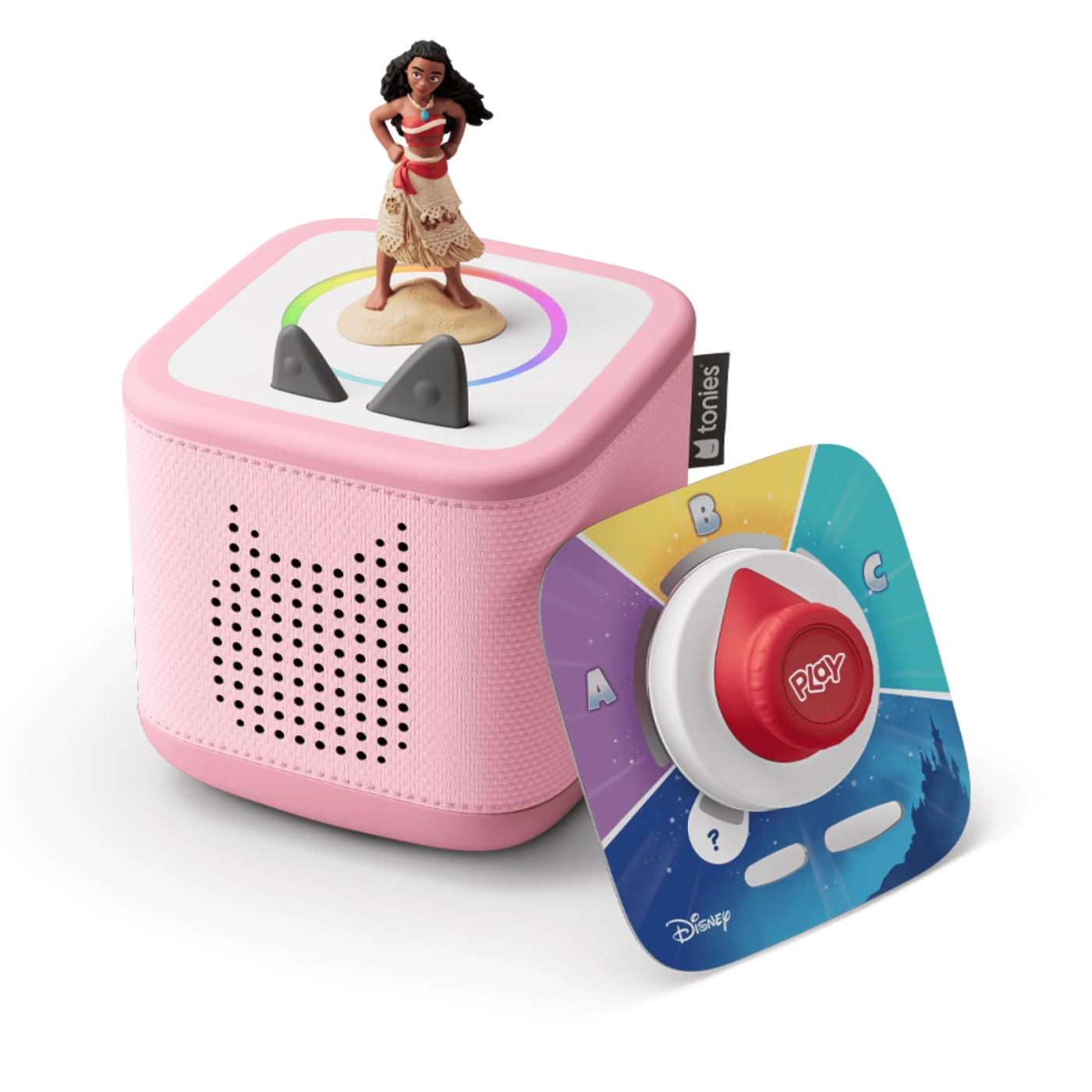
Puck concepts explored different ways to connect a physical action with feedback, from a form that turns as a whole to an integrated display or a small light cue.
A familiar interaction, different possibilities: content changes, while the physical way of exploring it remains recognizable.
Opportunity exploration, everyday scenarios, tangible navigation, and concept development.
Selected puck explorations
Three examples from a broader exploration of physical play, content choices, and feedback.
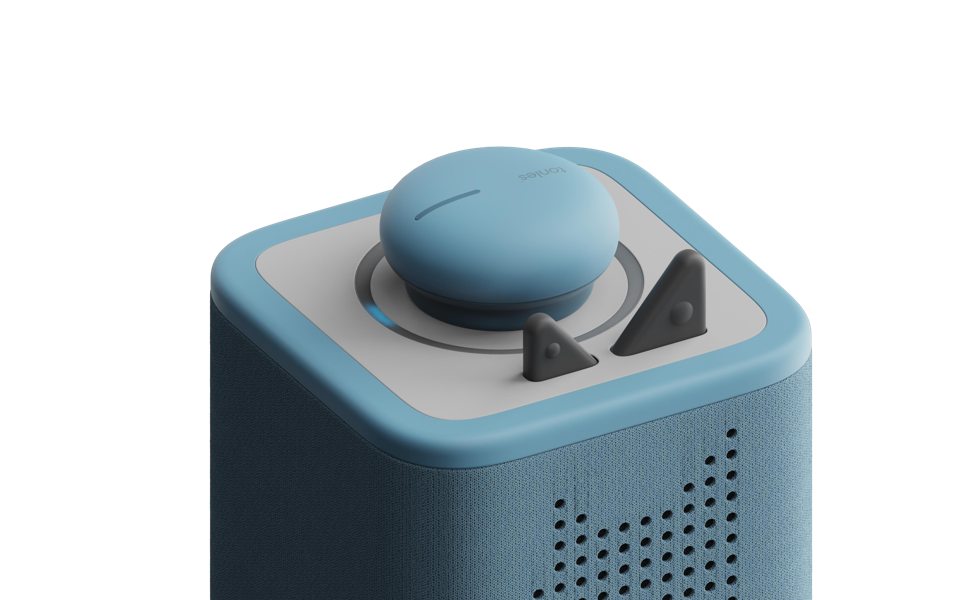
Whole-puck rotation
A rounded form turns as one piece, making the puck itself the control.
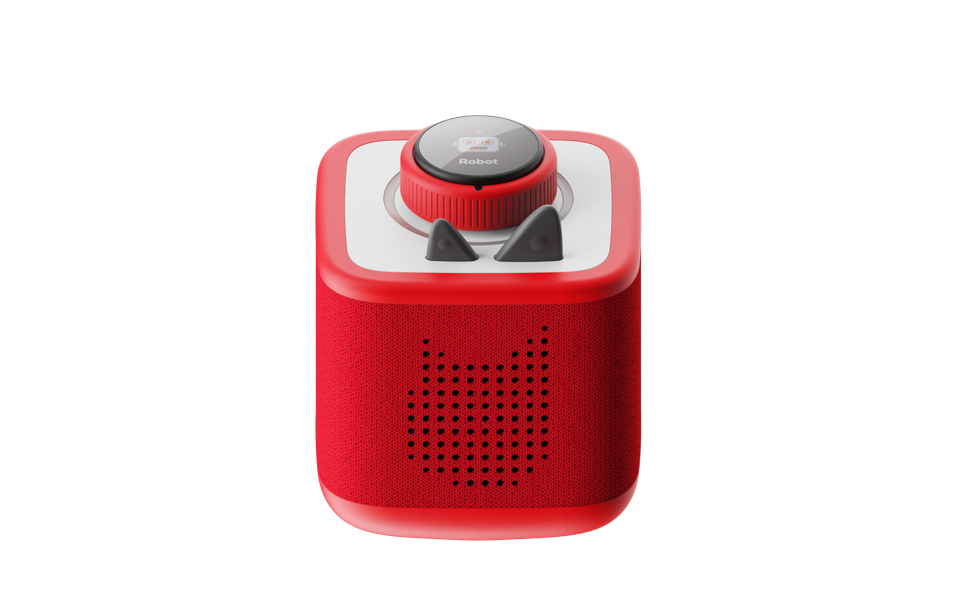
Content on the puck
A circular display brings characters and content directly onto the physical control.
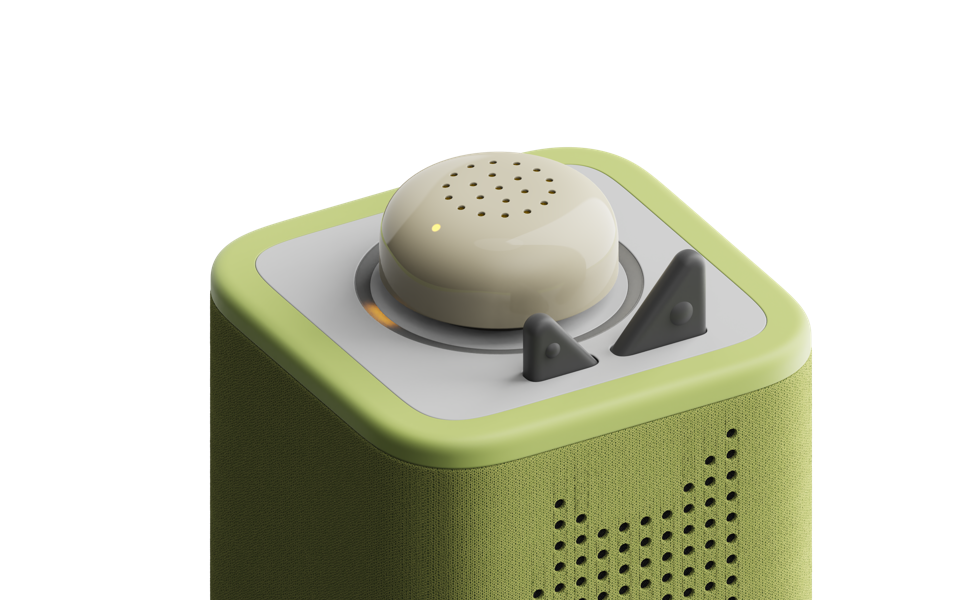
Rotation with a light cue
A rotating upper section pairs a tactile control with a simple light indicator.
Workplace Robotics
In development
Movement is a way of speaking.
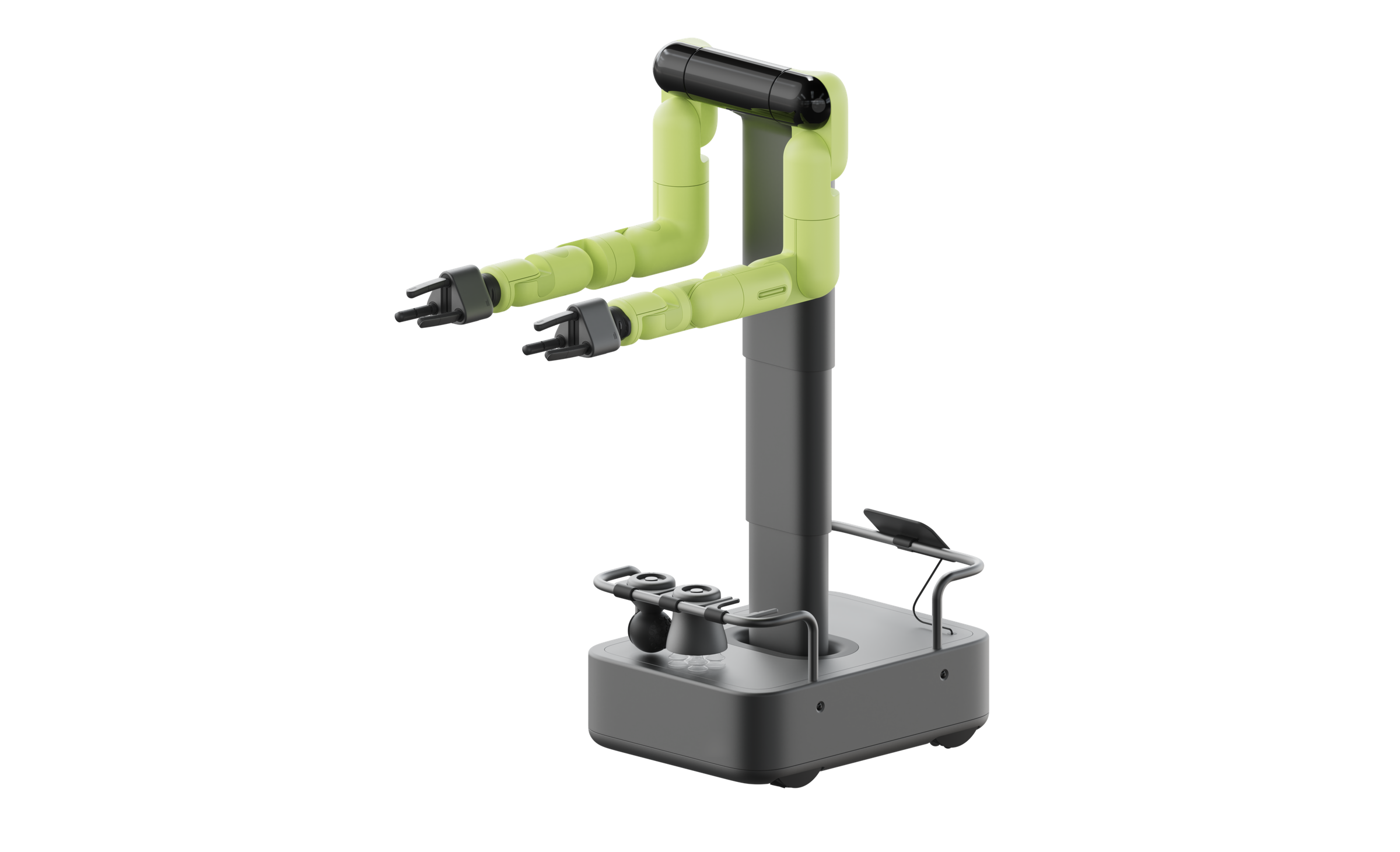
Before a robot says anything, the way it moves can tell us what it intends to do.
These studies explored how direction, timing, and small gestures could make a robot’s actions easier to anticipate. Simple animated forms isolated the behavior, allowing different approaches to be compared without the distraction of a finished product.
The aim was a presence that feels legible and aware of people, while remaining unobtrusive.
Nonverbal interaction, movement principles, and comparative animation.
Selected motion explorations
Three examples from a broader study of how movement communicates intent.
Signal the next action
Orientation before travel can give someone a cue about where the robot is going.
Anticipation
A brief preparatory movement signals the next move before the main action begins.
Invite an interaction
Moving an item forward can suggest that it is ready to be taken.
ThisNot thatTwo approaches to the same action
Connected Care
In development
Small signals. Meaningful reassurance.
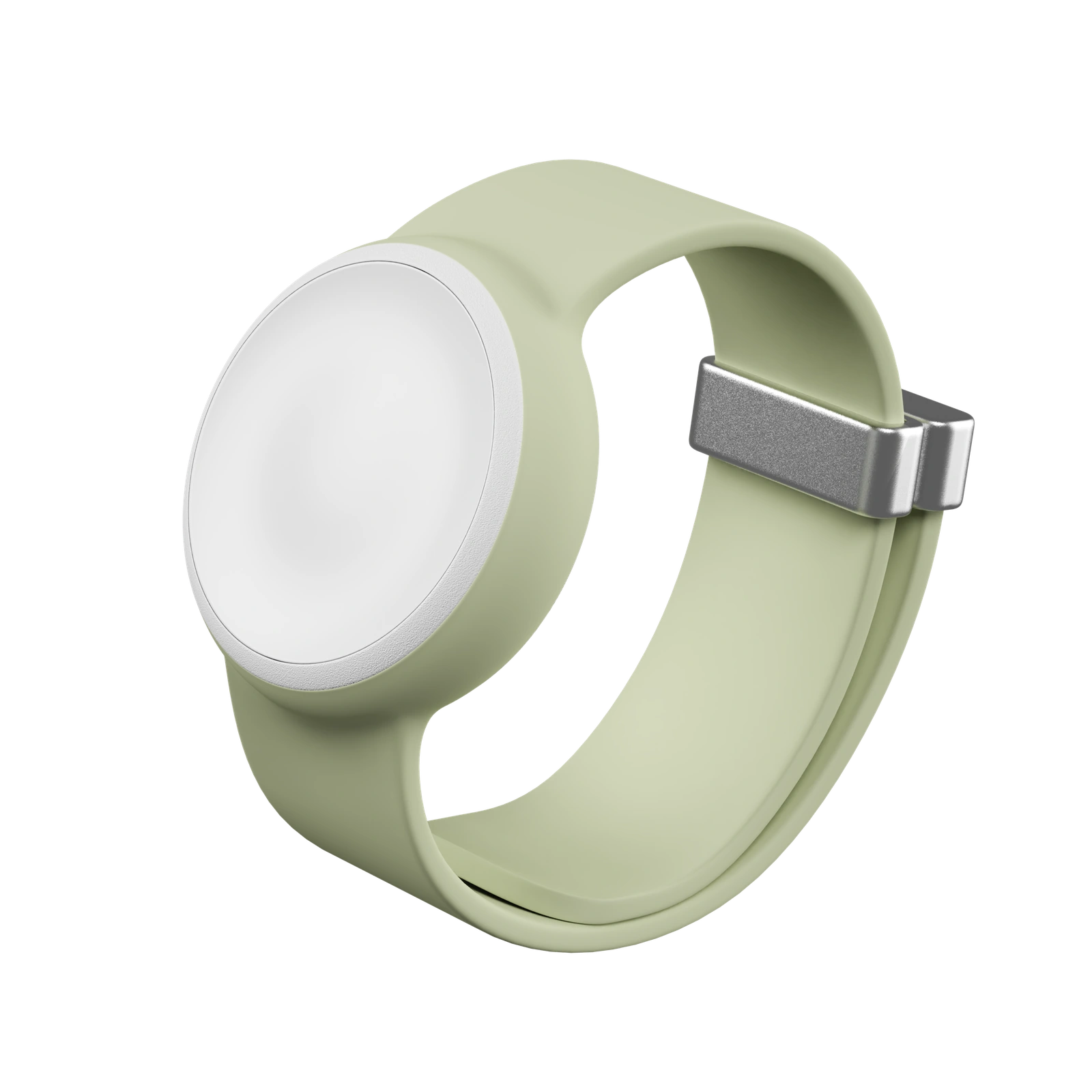
A help button is part of a larger relationship between a resident, a caregiver, and the system around them.
Scenarios mapped the everyday experience of care: asking for help, changing how a device is worn, keeping it charged, and preparing it for someone new. Each situation raised requirements that crossed the physical product and staff workflows.
The light studies centered on a question: how much feedback is enough to be understood, without asking someone to learn a complicated language of signals? The aim was a clear, calm response, with later concepts focused on essential behaviors such as press feedback and charging.
Resident and caregiver scenarios, service flows, device states, and motion prototyping.
Selected care concepts
Wear options and charging feedback from a broader exploration of everyday care scenarios.
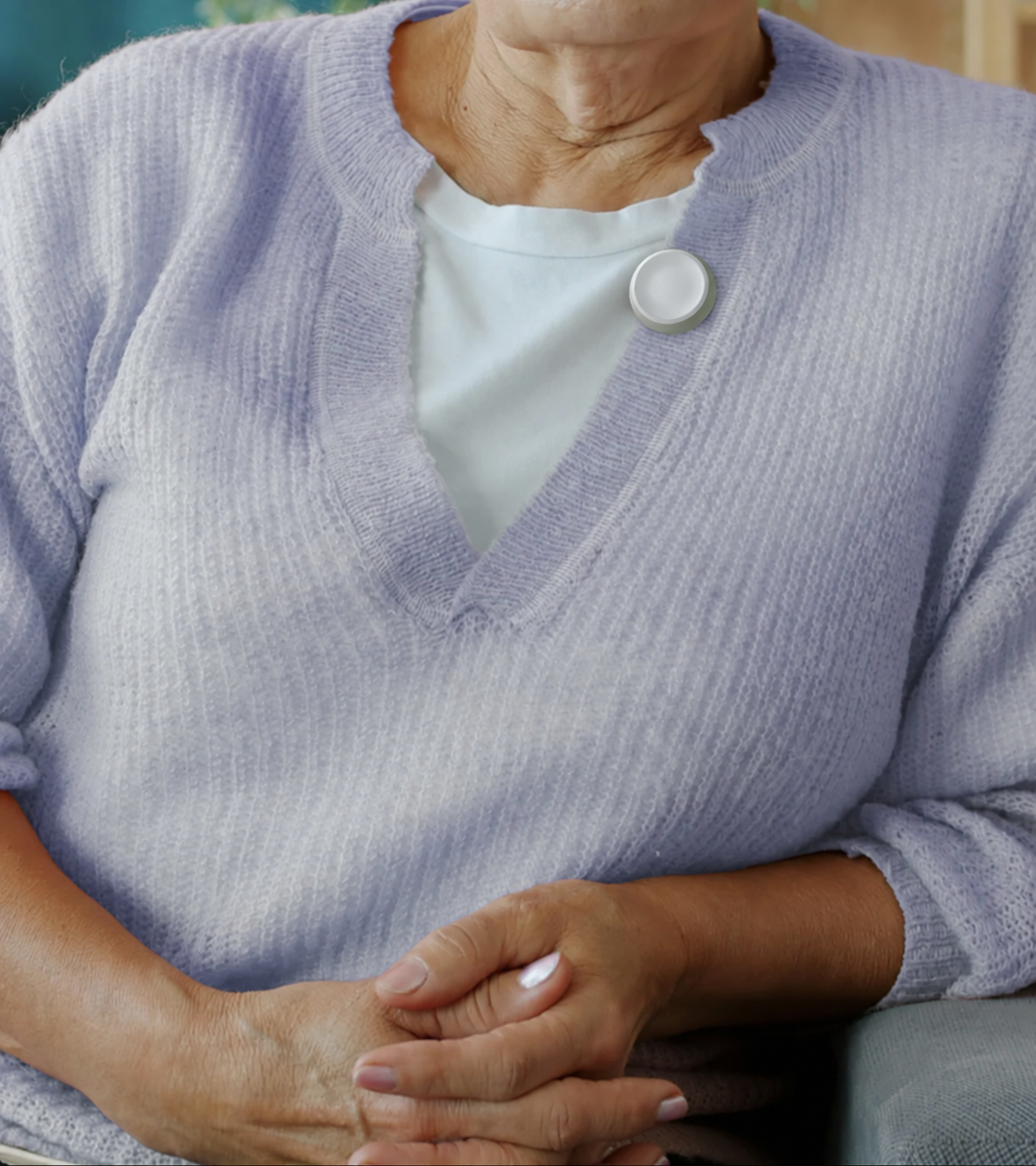
Within easy reach
A clothing-mounted concept keeps the help button close during daily life.
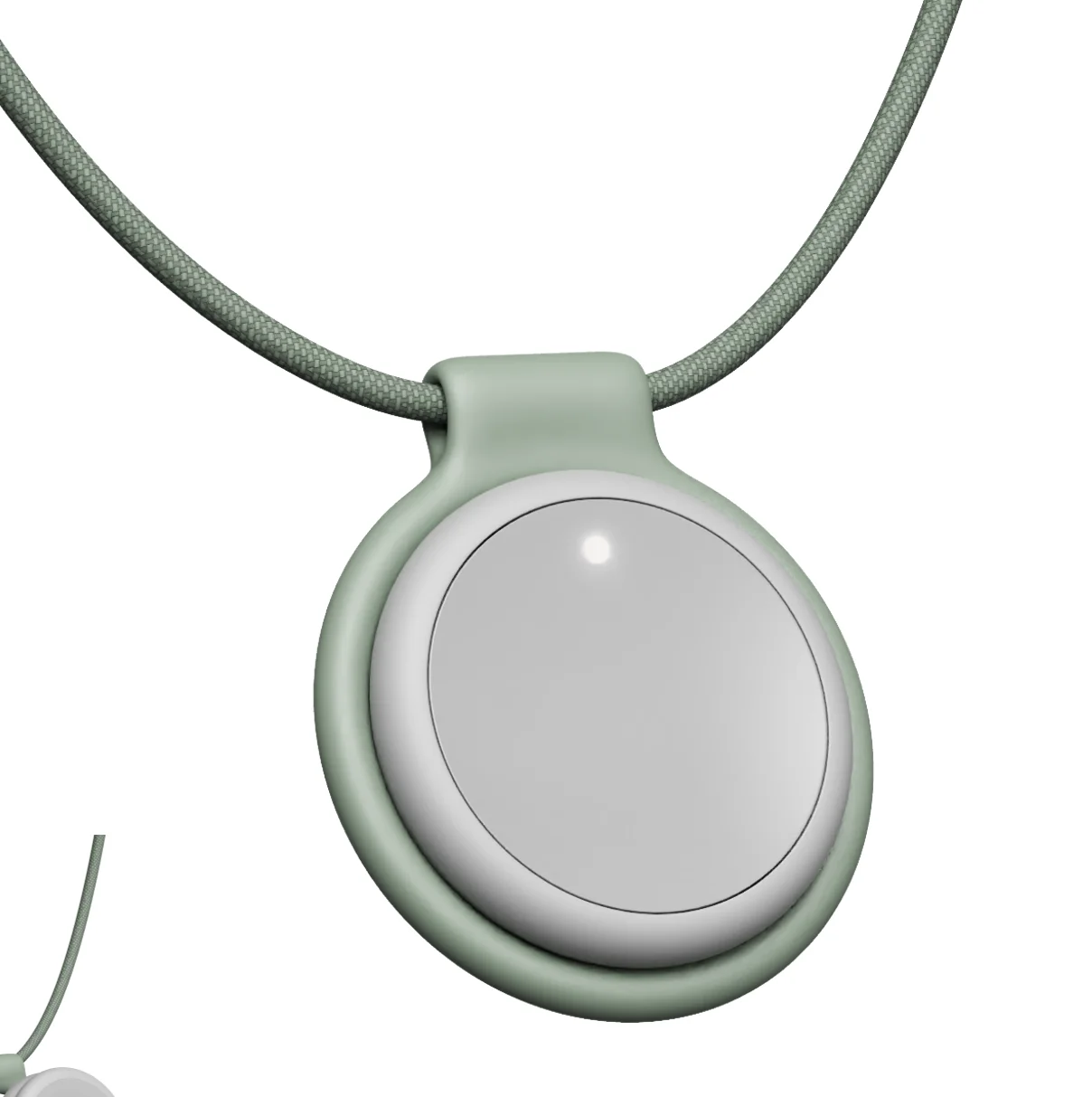
A choice of how to wear it
A pendant option complements the wristband while keeping the same simple interaction.
Feedback during upkeep
An amber signal makes the charging state visible to the people looking after the device.
Culligan
Culligan Purity · Workplace hydration
Making every step of a pour clear.
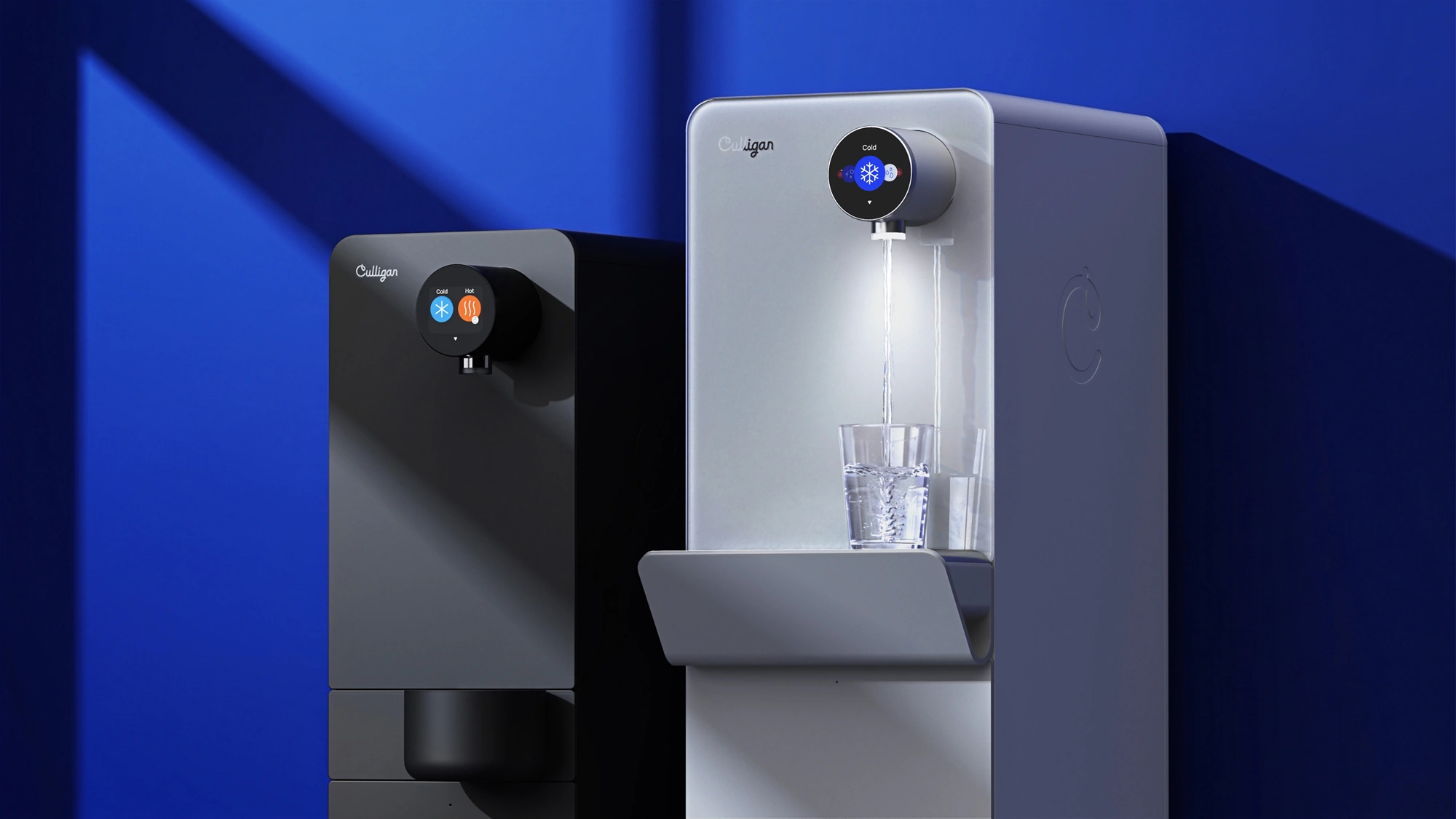
A small circular screen connects a person’s choice to what the water system does next.
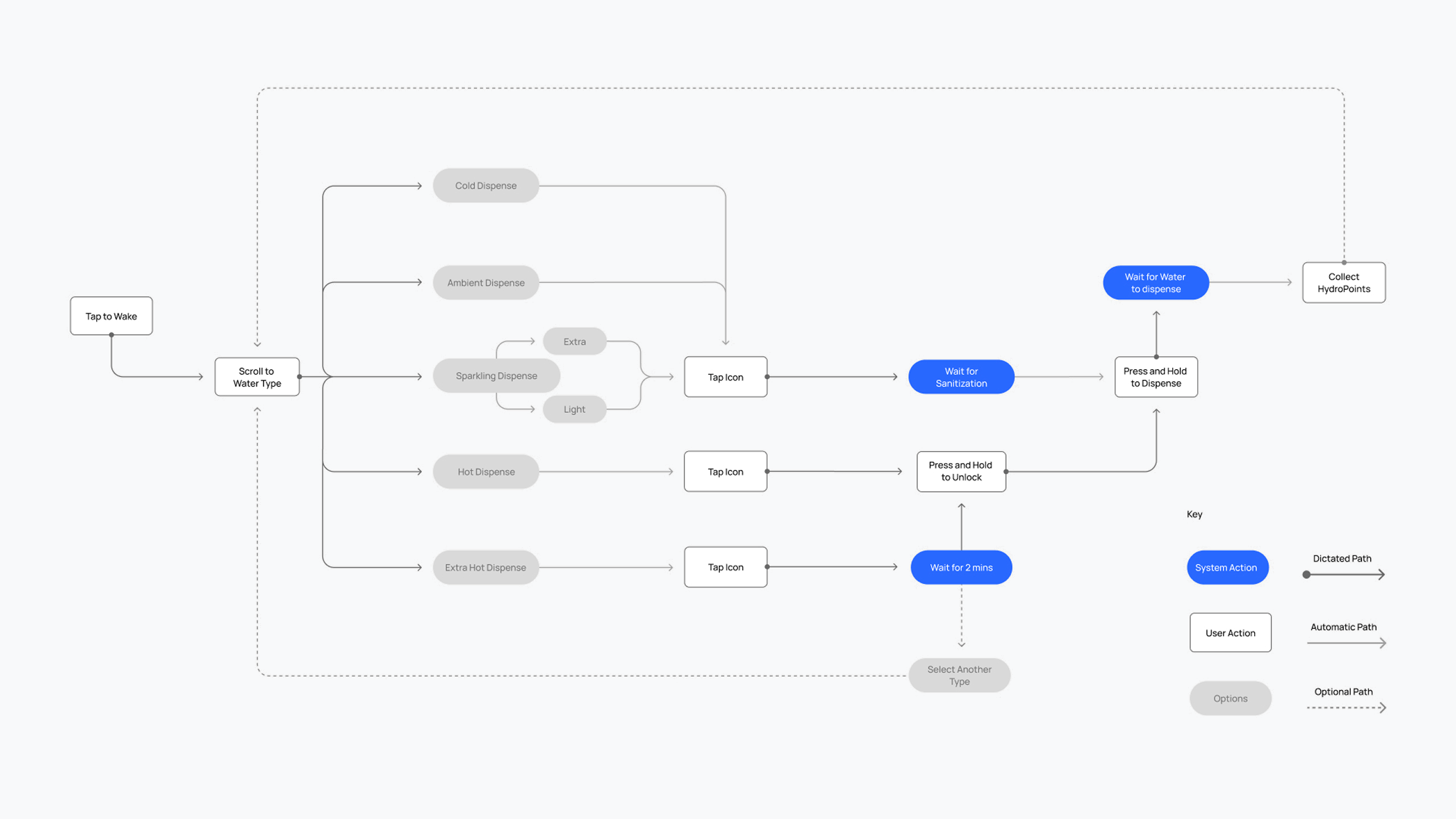
The interface work explored how to choose a water format, confirm a selection, and understand when the system is ready to dispense. Color, icons, and feedback bring those steps together at the point of use.
The studies considered everyday pours alongside moments that need more guidance: deliberately unlocking hot water, waiting for extra-hot water to heat, and understanding what happens while the system is working.
User journeys, screen flows, information hierarchy, and interaction feedback.
Selected interface studies
Screen states, a motion study, and an interaction flow from the wider work on choosing and dispensing water.
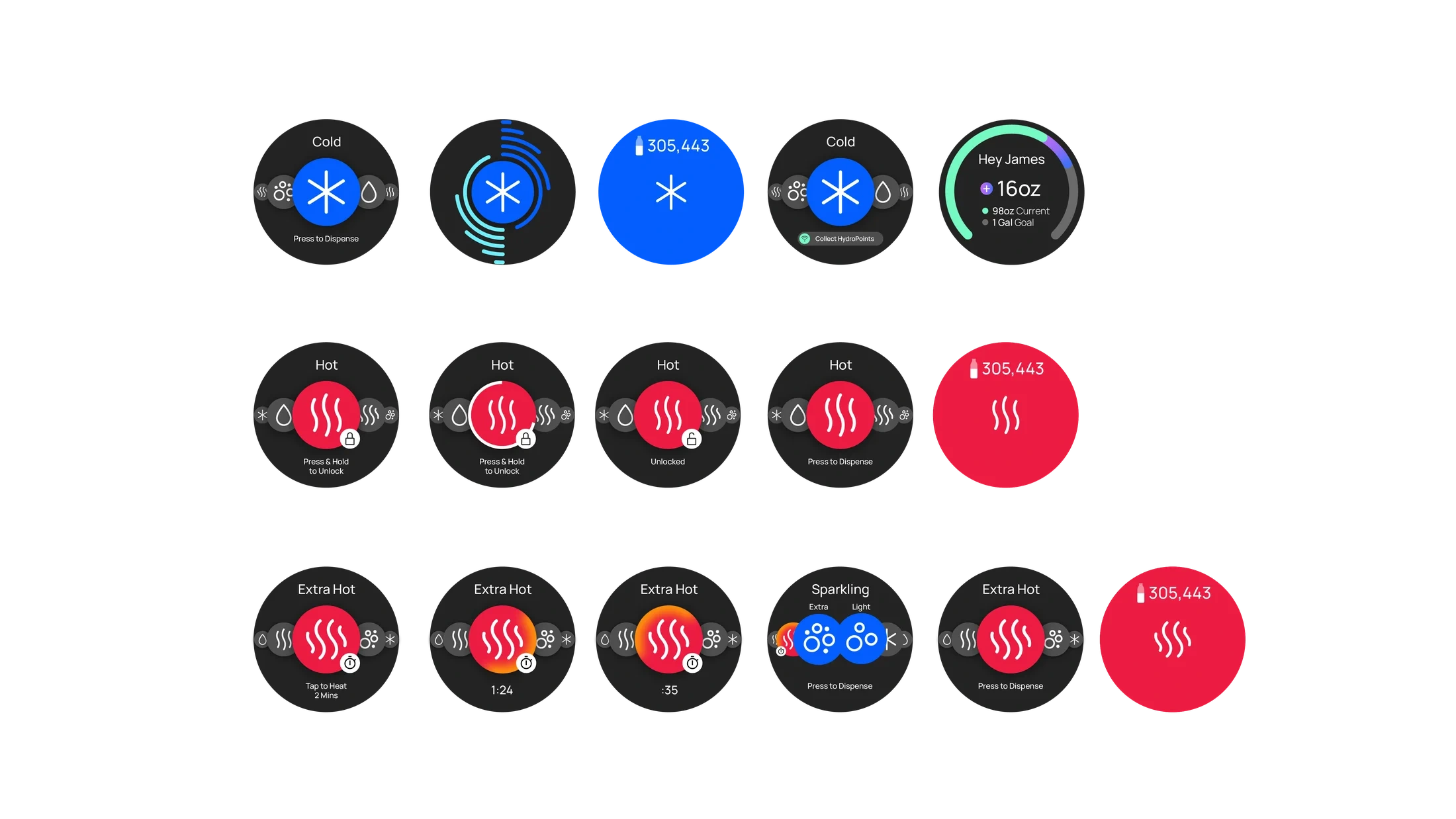
- Choose
- Recognizable icons distinguish water formats.
- Confirm
- A deliberate hold makes hot-water activation intentional.
- Understand
- Progress and countdowns explain the wait.
Wearable Exploration
Unreleased project
The experience starts with a grip.
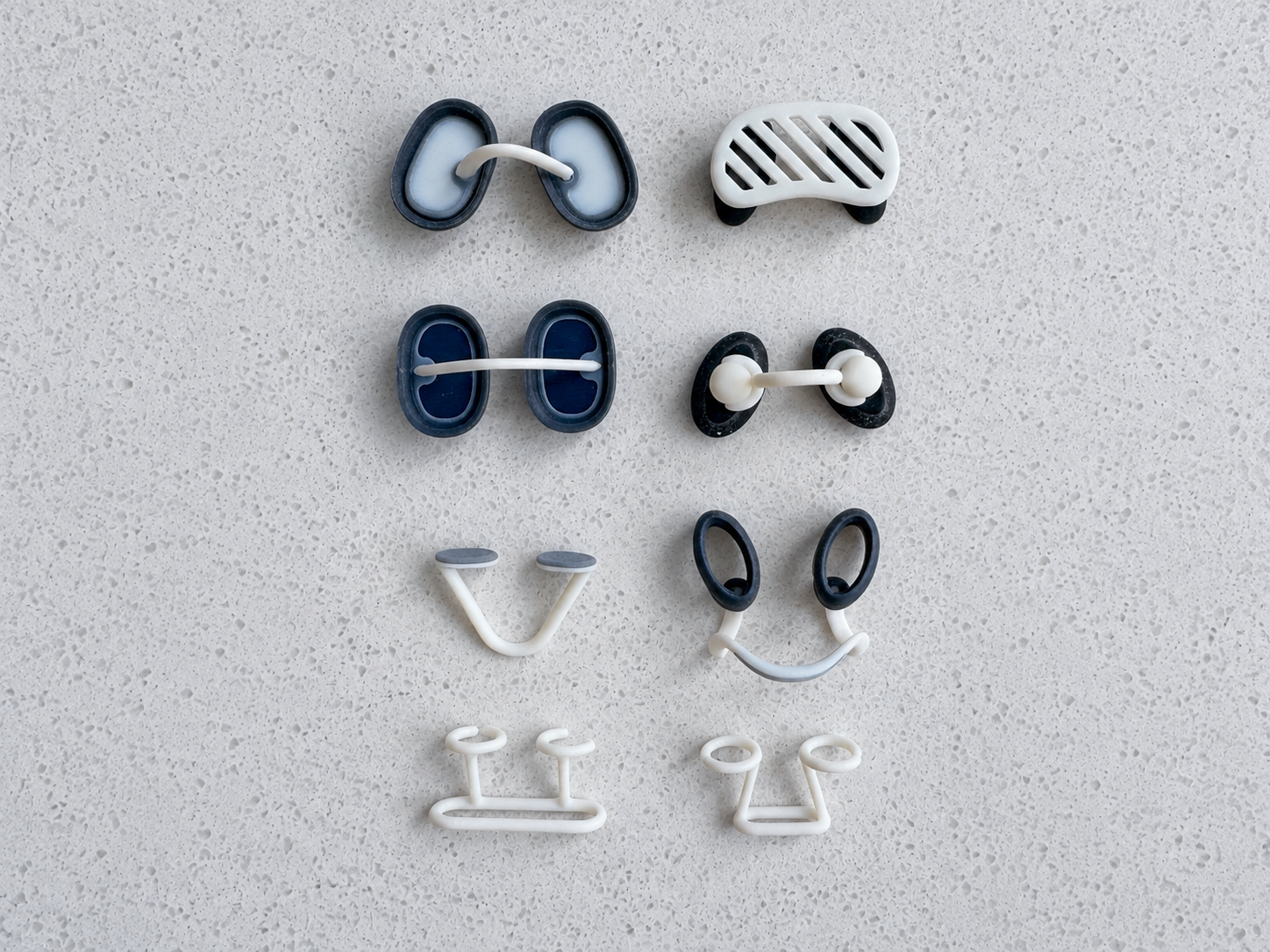
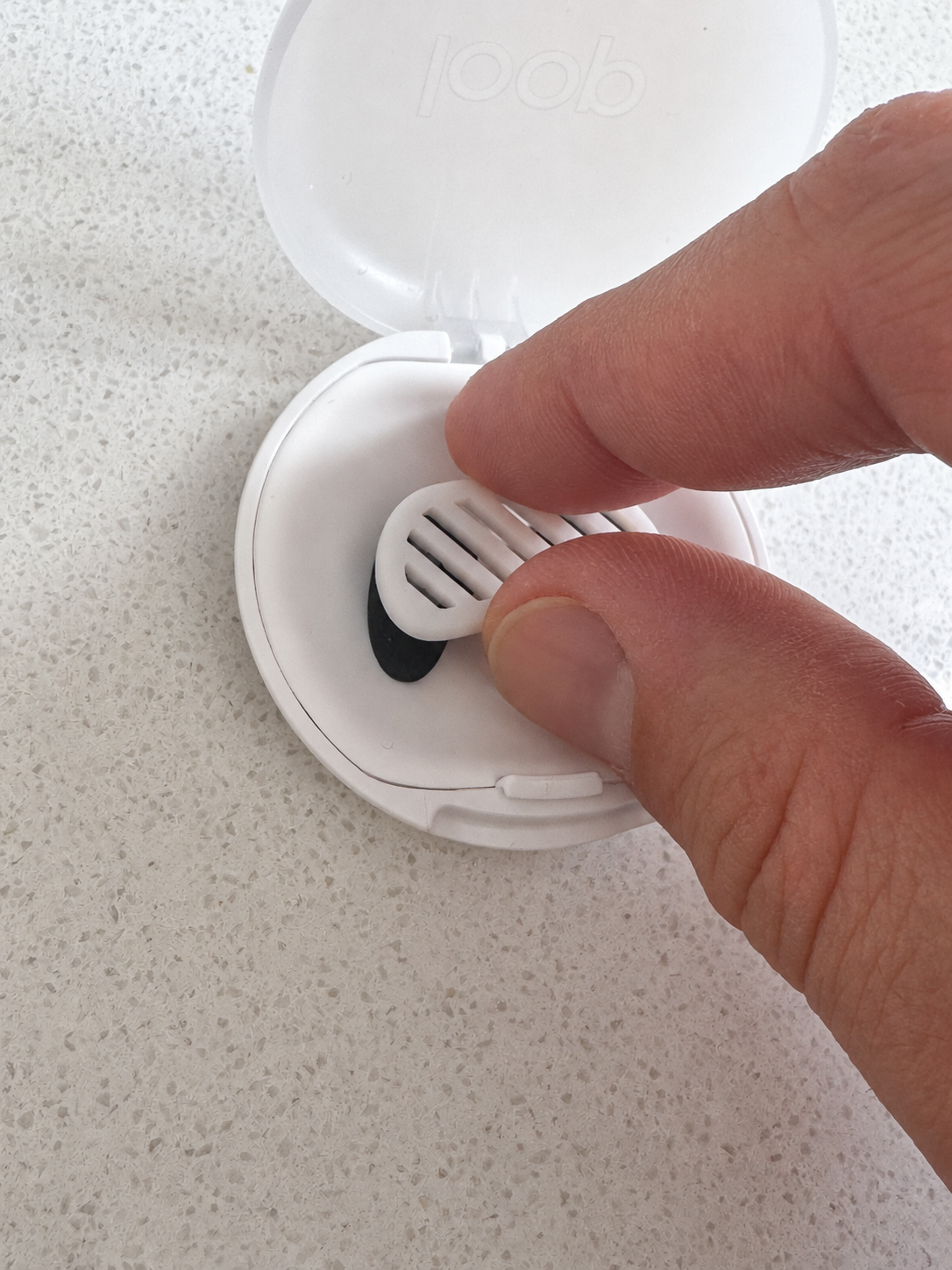
For a small wearable, taking it out of its case is already a design problem.
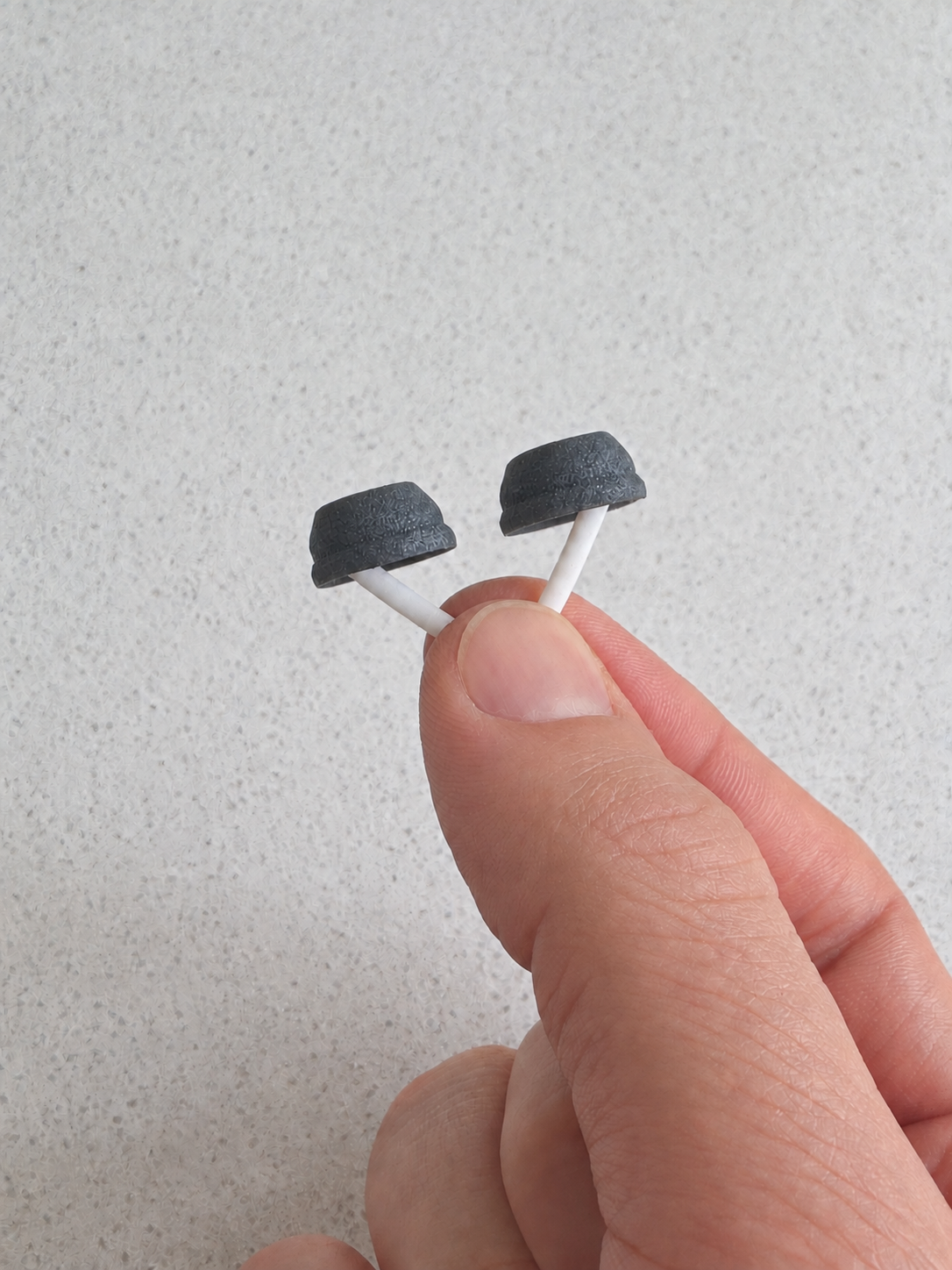
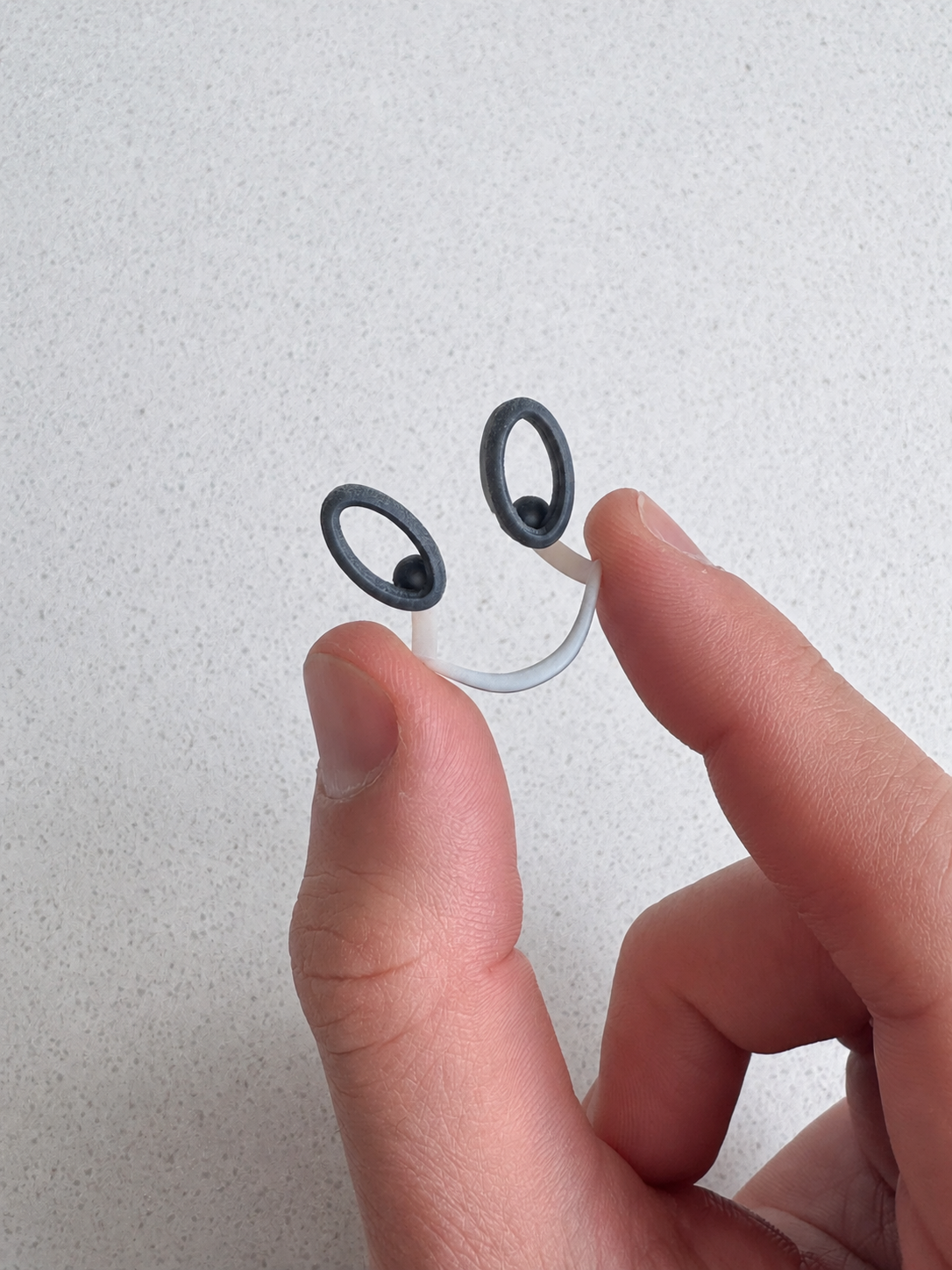
The exploration considered how compact forms could be held, oriented, retrieved, and returned to a carrying case. Physical comparisons brought attention to the details that are easy to miss in a rendering: where the fingers go, how the object presents itself, and how it fits into a routine.
Handling, physical affordances, and the relationship between object and case.
Selected handling studies
Examples from a broader exploration of grip, orientation, and taking the wearable out of its case.